THEN & NOW
The same corner. A little change.
A photo can help you notice what has changed.
Put an earlier photo beside a recent one, and enjoy the room you have made your own.
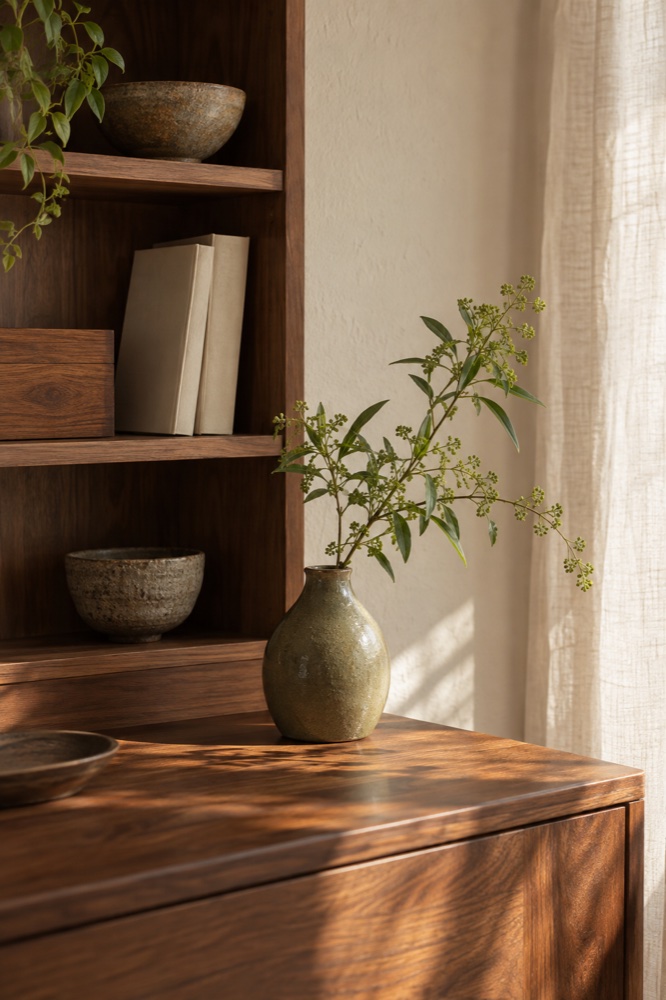
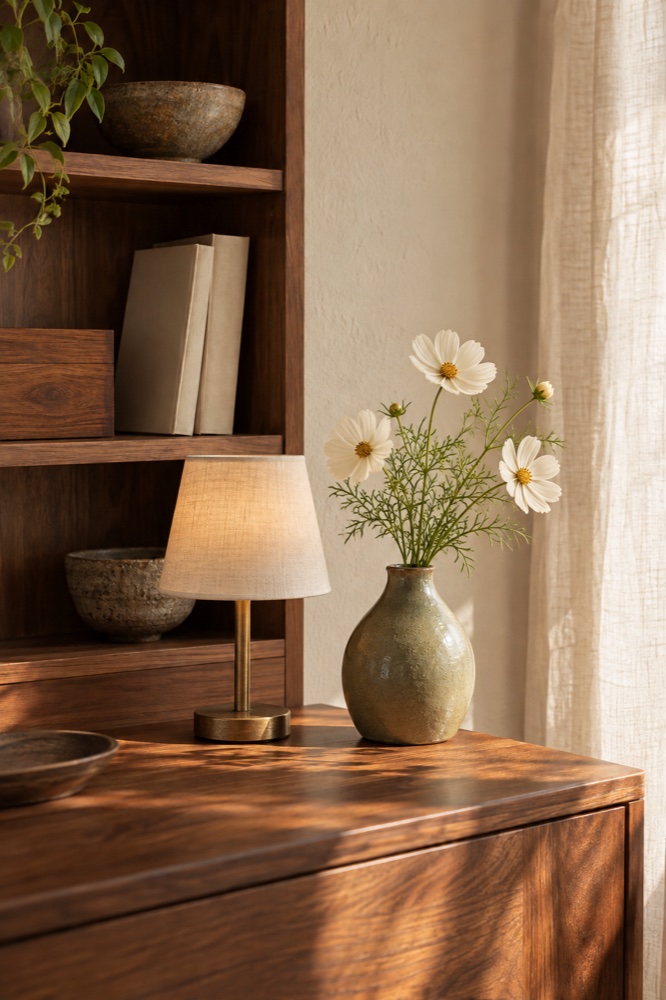
Illustrative photos of a fictional room.
A JOURNAL OF ROOMS & DAYS
Roomlogue is a private photo journal for your home. It groups room photos into an album for each date, so you can revisit decor changes and compare before and after.
Download free on the App StoreiPhone & iPad / iOS & iPadOS 26.2 or later / 9 languages
Free. No account required. No data collected.
THEN & NOW
A photo can help you notice what has changed.
Put an earlier photo beside a recent one, and enjoy the room you have made your own.
Illustrative photos of a fictional room.
Your journal is stored inside the app on your device. No account is required, and Roomlogue does not provide automatic cloud sync.
Before replacing your device or deleting the app, export your journal from Settings and keep the file somewhere safe. On the new device, restore your journal from that file.
Export again after adding photos or making changes.
Photos stored in iCloud may take time to download. Check that the photo opens in Photos, that you have a connection and enough storage, then try again.
Check Roomlogue's camera and add-to-Photos permissions in your device settings. Return to the app after changing them.
Try the retry button on the error screen. Deleting the app can remove locally stored records. Before reinstalling, make sure you have an exported journal file.
Include your app version, OS version and a description of what happened. Share only the photos or records needed to explain the issue.
Email support